

Social Media Management Tools: How to Choose the Best for Your Business in 2026
Social media management tools help businesses schedule posts, analyze performance, and engage audiences efficiently. Choosing the right tool in 2026 improves productivity, teamwork, and marketing success.
Table of Contents
ToggleIntroduction
Managing multiple social media accounts can quickly become overwhelming for business owners, freelancers, and startups. With constant updates, varied platforms, and the pressure to stay relevant, navigating social media without the right tools leads to missed opportunities and burnout. Social media management tools simplify these challenges by streamlining scheduling, analytics, and engagement.
In this article, you will learn how to select the best social media management tools tailored to your needs in 2026. From understanding essential features to exploring emerging trends and real-world use cases, this guide provides practical insights to help you make informed decisions and maximize your social media impact.
What Are Social Media Management Tools?
Social media management tools are software platforms designed to assist individuals and businesses in organizing, scheduling, monitoring, and analyzing their social media activity across multiple networks. These tools often come as SaaS (Software as a Service), making them accessible online without complex installations.
Examples of functionalities include:
- Scheduling posts: Plan content in advance across platforms like Facebook, Twitter, LinkedIn, and Instagram.
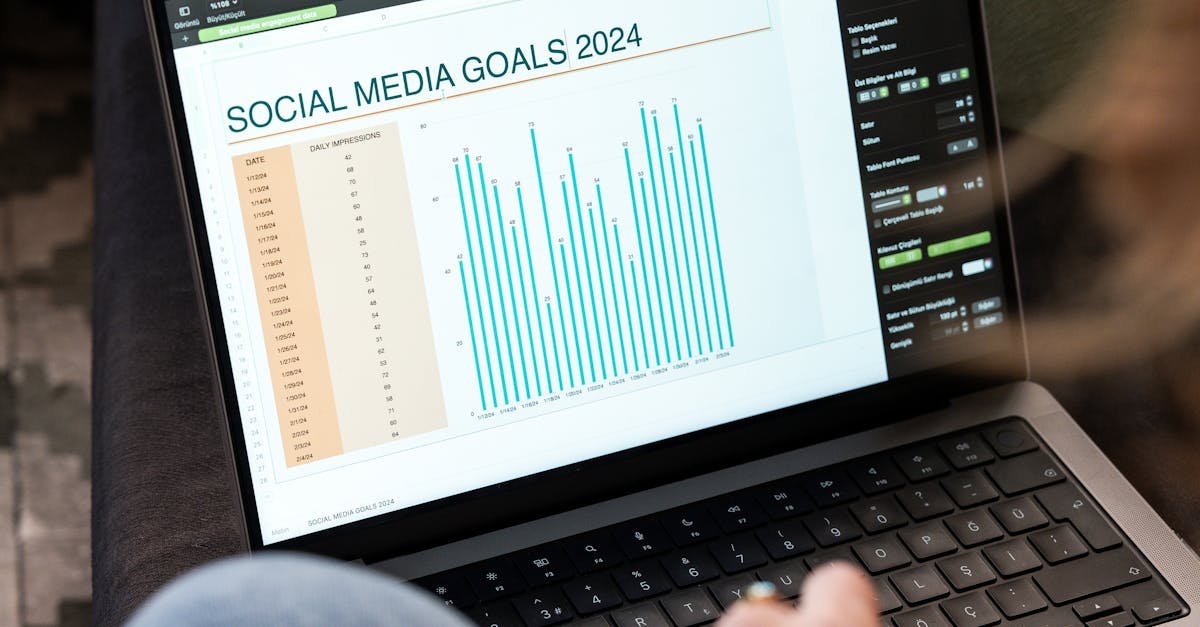
- Analytics reporting: Track performance metrics such as engagement rates, follower growth, and click-throughs.
- Social inbox: Manage comments, messages, and mentions from one unified interface.
In 2026, with social media constantly evolving, these tools matter more than ever for staying competitive, saving time, and nurturing online communities.
Common Challenges in Social Media Management
Many businesses and freelancers face hurdles that make social media marketing feel complicated:
- Time constraints: Juggling content creation, posting, and engagement with other tasks overloads resources.
- Content consistency: Irregular posting leads to lost followers and decreased brand awareness.
- Lack of insight: Without clear analytics, it’s hard to understand what works and what doesn’t.
- Platform fragmentation: Each social channel requires different formats, strategies, and interaction styles.
- Collaboration mishaps: Teams struggle coordinating ideas, approvals, and responses without a shared system.
These pain points reveal the need for robust social media scheduling tools, analytics, and team collaboration features to remove friction and improve workflow.
How to Choose Social Media Management Tools: Key Factors to Consider
Selecting the right social media management tools depends on understanding your unique needs, budget, and goals. Here are essential criteria to evaluate:
1. Platform Support and Integration
Ensure the tool supports all the social networks you use, whether it’s Instagram, TikTok, LinkedIn, or emerging platforms. Integration with other SaaS products like CRM and marketing automation can further streamline operations.
2. Scheduling and Content Calendar Features
Look for user-friendly social media scheduling tools with drag-and-drop calendars, bulk upload options, and flexible timing to maintain consistent posting without manual effort.
3. Analytics and Reporting Capabilities
Advanced social media analytics tools should offer customizable reports, real-time data, and actionable insights on engagement, reach, conversions, and competitor benchmarks.
4. Social Inbox and Engagement Management
Managing comments, direct messages, and brand mentions in one place is critical. Tools with a unified social inbox enable quick responses and foster stronger audience relationships.
5. Team Collaboration and Workflow Support
If you work with a team, features like role-based permissions, task assignments, content approvals, and shared libraries improve efficiency and reduce miscommunication.
6. Ease of Use and Customer Support
The interface should be intuitive, offering onboarding assistance and reliable customer service to resolve any issues promptly.
7. Pricing and Scalability
Choose tools with transparent pricing and plans that allow you to scale as your business grows without hidden costs.
Popular Types of Social Media Management Tools in 2026
Social Media Scheduling Tools
These tools focus on planning and automating the timing of posts across platforms. Features often include optimal timing suggestions and bulk scheduling, helping maintain a steady content flow.
Social Media Analytics Tools
They provide detailed insights into audience demographics, content performance, and engagement trends. Analytics empower data-driven decision-making.
Social Media Content Calendar Tools
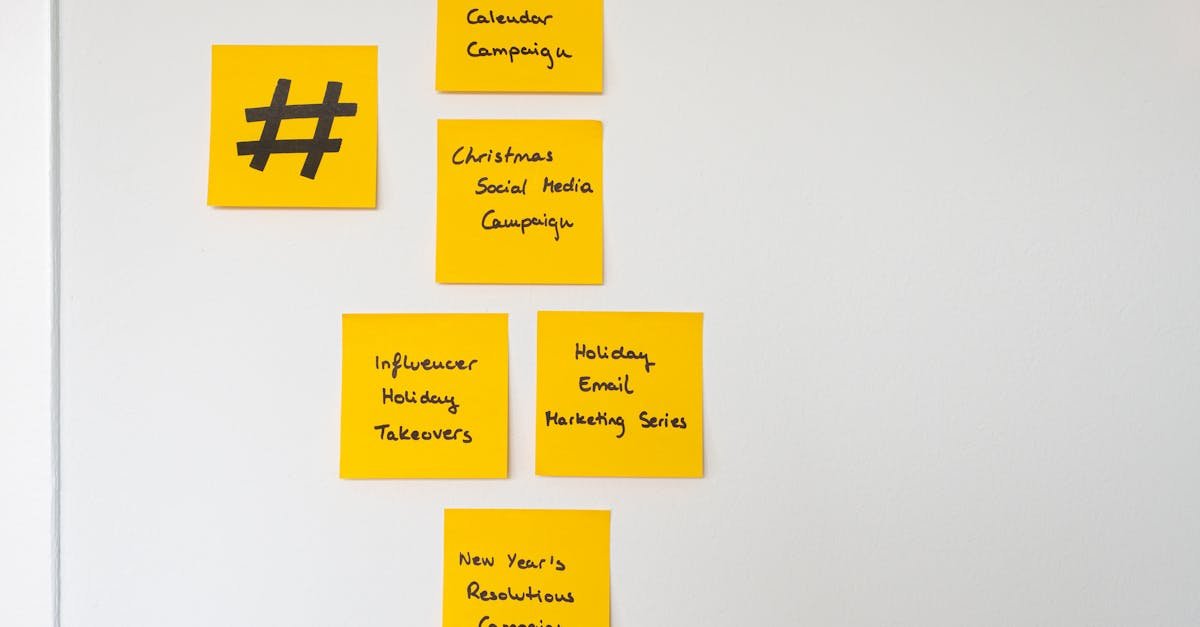
Focused on visualization, these tools organize content ideas, posting dates, and team collaboration in one shared calendar, improving planning accuracy.
Tools to Manage Multiple Social Media Accounts
Designed for users handling numerous business or client profiles, these platforms centralize account access with easy switching and aggregated reporting.
Social Inbox and Engagement Tools
These prioritize community management through a unified inbox that collects all social interactions, enabling faster response times.
Team Collaboration Features in Social Media Tools
Collaboration-centric tools provide functionalities like multi-user access, content approval workflows, comments on drafts, and shared asset libraries to streamline teamwork.
Use Cases and Practical Applications
Understanding how social media management tools fit into daily workflows helps clarify their value.
Small Businesses
- Scenario: A local bakery managing Instagram, Facebook, and Twitter accounts.
- Workflow: Use a combined scheduling and content calendar tool to plan seasonal promotions and regular posts. Monitor engagement through analytics and respond to customer inquiries in a social inbox.
- Outcome: Improved consistency, better customer responsiveness, and data-backed content decisions.
Freelancers and Agencies
- Scenario: A freelance social media manager handling multiple clients across different platforms.
- Workflow: Utilize tools to manage multiple social media accounts simultaneously, with team collaboration for client approvals and social reporting tools to present performance metrics.
- Outcome: Streamlined multi-client management and enhanced client communication.
Startups
- Scenario: A startup launching a new app with active engagement on LinkedIn, Twitter, and Instagram.
- Workflow: Employ advanced analytics tools to monitor campaign impact, schedule posts aligned with product launches, and coordinate team communication through collaborative features.
- Outcome: Faster iteration on social campaigns and cohesive brand messaging.
Emerging Trends and 2026 Shifts in Social Media Management Tools
The landscape of social media management is evolving in 2026 with several noteworthy trends:
AI-Powered Content Suggestions and Automation
Artificial intelligence is increasingly integrated for smart content curation, optimal posting times, and auto-responses, making management more intelligent and efficient.
Deeper Cross-Platform Integrations
Tools now connect seamlessly with website builders, e-commerce platforms, and CRM systems, providing holistic marketing oversight. For insights on SEO-friendly website builders, see Elementor’s SEO guide.
Hyper-Personalized Engagement Tools
Engagement tools support personalized communication at scale, including segmentation and automation tailored to user behavior.
Focus on Data Privacy and Compliance
With stricter digital privacy laws globally, tools prioritize secure data handling and transparent analytics that comply with regulations.
Increased Emphasis on Team Collaboration Features
Remote and hybrid work models drive demand for enhanced collaboration within social media tools, integrating real-time feedback, asset sharing, and project tracking.
Best Practices and Pro Tips for Using Social Media Management Tools
Develop a Clear Content Strategy First
Before selecting a tool, define your audience, goals, and content types. This clarity guides choosing features that truly support your objectives.
Leverage the Content Calendar Fully
Use content calendar tools to map out campaigns, seasonal themes, and post timings. It reduces last-minute scrambling and maintains consistency.
Regularly Analyze and Adapt
Consistently review social media reporting tools to identify top-performing content and adjust strategies accordingly.
Engage Actively Through Social Inbox
Respond to comments and messages promptly using engagement tools to build trust and community.
Take Advantage of Team Collaboration Features
Encourage feedback cycles and approvals through built-in workflows to reduce errors and enhance creativity.
Avoid Over-Automation
Maintain authenticity. Use automation to support, not replace, genuine interactions.
Stay Updated on Platform Changes
Social media algorithms and policies evolve constantly. Choose flexible tools that adapt or offer updates accordingly.
Conclusion
Choosing the best social media management tools for 2026 involves a thoughtful evaluation of your specific needs, business size, and social media goals. By prioritizing features like scheduling, analytics, social inbox, and team collaboration, you can streamline your social efforts and create a stronger online presence. Embracing emerging trends such as AI automation and enhanced integrations will keep your strategy future-proof. Approach social media management methodically, stay adaptable, and use data to guide your actions. These steps will empower your business or freelance work to engage audiences effectively and grow sustainably in an ever-changing digital landscape.
Frequently Asked Questions
What are the best social media management tools for small businesses?
Small businesses benefit from tools that combine ease of use with essential features like scheduling, analytics, and social inbox. Options like Buffer, Hootsuite, and Later are popular for their straightforward interfaces and scalable pricing plans.
How do social media scheduling tools improve productivity?
Scheduling tools allow you to plan posts in advance, maintain consistency, and avoid manual posting. They help optimize timing for audience engagement and free up time for other marketing activities.
Why is social media analytics important?
Analytics provides insights into which posts resonate, helps understand audience behavior, and measures the ROI of your social media efforts, enabling smarter, data-driven decisions.
Can I manage multiple social media accounts from one tool?
Yes, many social media management platforms support managing multiple accounts across different networks, allowing you to toggle between profiles and aggregate reports easily.
What team collaboration features should I look for in social media tools?
Look for role-based access, content approval workflows, shared content libraries, comment threads on drafts, and task assignments to streamline teamwork and prevent errors.
How are social media management tools adapting for 2026?
Tools are integrating AI for smarter automation, enhancing cross-platform integrations, prioritizing data privacy, and offering richer collaboration features in line with remote work trends.
Are social media management tools suitable for freelancers?
Absolutely. Freelancers who manage multiple clients benefit from centralized account management, efficient scheduling, and detailed reporting tools to streamline their workload and improve client communication.