
Table of Contents
ToggleAI Coding Assistant: Best Tools and How to Choose in 2026
Estimated reading time: 9 minutes
AI coding assistants leverage machine learning to streamline coding, boost accuracy, and increase developer productivity. This guide covers the top tools in 2026, how they compare, and practical advice on selecting the right AI coding assistant for your development needs.
Introduction
Developers, freelancers, and business owners today face tight deadlines, complex projects, and the constant pressure to deliver error-free code quickly. AI coding assistants promise to ease these challenges by helping write, review, and debug code faster with intelligent suggestions and automation. But with so many options emerging in 2026, choosing the right AI coding assistant can feel overwhelming. In this article, you’ll discover the best AI coding assistant tools available, learn how they work, and understand key factors to consider when integrating AI into your development workflow. Whether you’re a startup founder or a freelancer, exploring these AI-driven solutions can transform your coding process and project outcomes.
What Is an AI Coding Assistant?
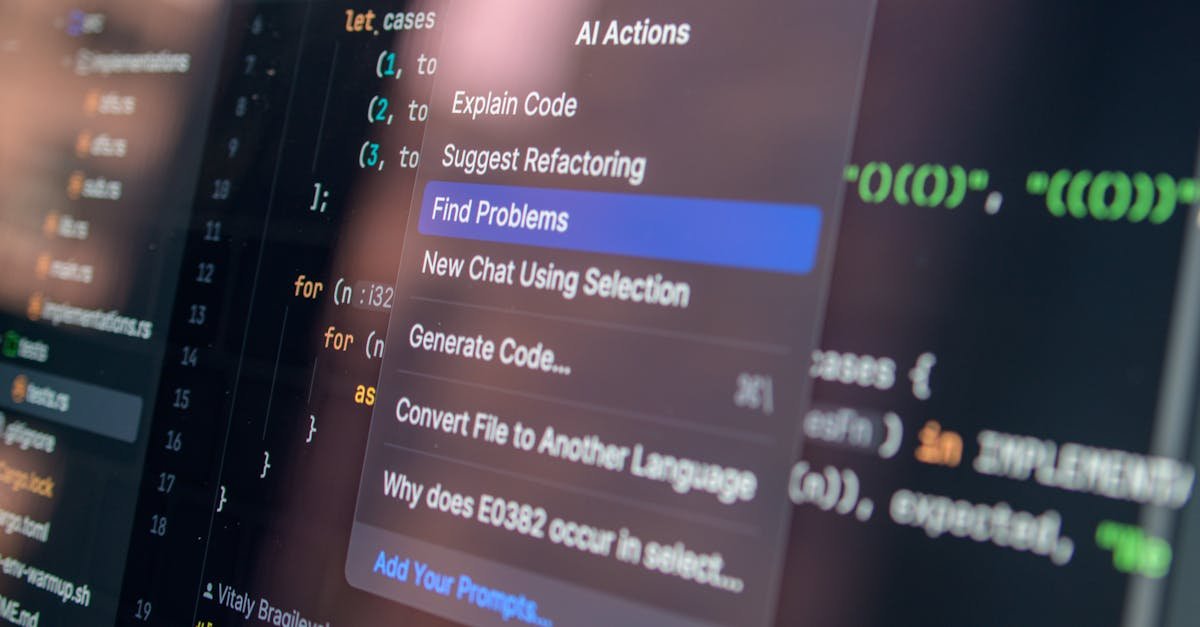
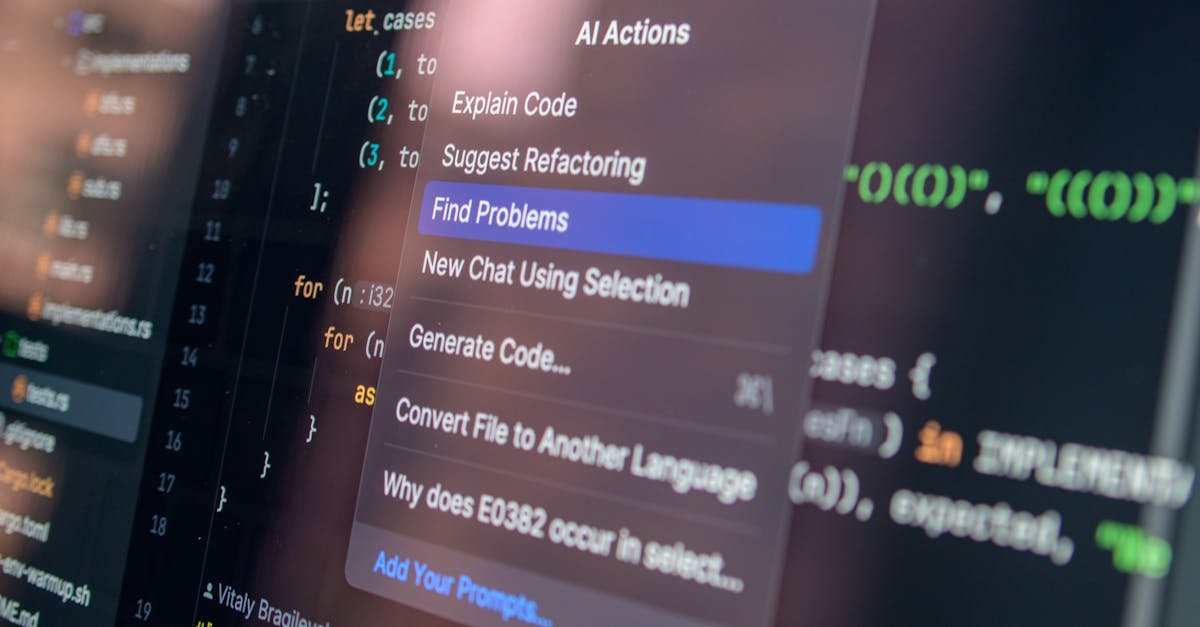
An AI coding assistant is a software tool powered by artificial intelligence that helps developers write code more efficiently. Using machine learning and natural language processing, these assistants can suggest code completions, identify bugs, generate tests, and even refactor code to improve performance. They act like a virtual pair programmer, providing context-aware recommendations as you type or review code.
Examples include AI models integrated within popular IDEs like Visual Studio Code or JetBrains, as well as cloud-based AI coding agents that specialize in certain programming languages or tasks.
In 2026, AI coding assistants are vital because they reduce repetitive work, help maintain coding accuracy, and accelerate development cycles. They empower developers and teams to focus on higher-level problem-solving rather than boilerplate coding.
Common Challenges Without AI Coding Assistants
Many developers struggle with:
- Manual code writing: Time-consuming and error-prone when handling repetitive patterns or complex syntax.
- Debugging inefficiencies: Tracking down issues can stall projects and increase frustration.
- Context switching: Juggling multiple frameworks or languages might lead to reduced focus and productivity.
- Code consistency: Maintaining standard formatting and conventions across teams can be challenging.
These pain points affect freelancers and startups especially, since resources and time are often limited. AI coding assistants are designed to alleviate these burdens, allowing better focus on innovation and delivering business value.
How AI Coding Assistants Work: Core Features Explained
1. AI Code Completion and Suggestions
Based on understanding your current code context, AI completions predict the next few lines or functions you might write. This reduces errors and speeds up coding, especially for boilerplate or API calls.
2. Intelligent Debugging Assistance
Some AI coding agents analyze your code to highlight potential bugs or security risks, recommending fixes. This helps improve coding accuracy and avoids costly errors.
3. Automated Code Refactoring
AI tools refactor existing code to improve readability and efficiency without changing functionality, enabling better maintenance in the long run.
4. Code Documentation and Testing Support
Generating comments and writing unit tests can be tedious. AI assistants help automate these tasks, ensuring better code quality and helping onboard new team members.
Top AI Coding Assistant Tools in 2026: Comparison
ToolPrimary FeaturesIntegrationBest ForGitHub Copilot XContext-aware code completion, AI pair programming, multi-language supportVS Code, JetBrains IDEs, GitHub platformGeneral developers, startups, open-source projectsCursor AIAdvanced code generation, debugging hints, test generationVS Code, browser-based editorFreelancers, individual developersClaude Dev AssistantAI coding agent with deep code understanding, chatbot integrationAPI, standalone appsTeams needing customized AI coding adviceTabnineCode completion based on team training data, privacy-focusedMultiple IDEsEnterprises, teams with stricter data policiesAmazon CodeWhispererSecure code suggestions, cloud service integrationAWS tools, IDE pluginsCloud-focused developers, business applicationsAI Coding Assistant Use Cases for Businesses and Freelancers
Accelerated Prototyping
Early-stage startups can rapidly build MVPs by leveraging AI code completion to scaffold boilerplate code and APIs, cutting development from weeks to days.
Improved Code Reviews
Freelancers can use AI agents to double-check their work for logical errors and formatting before submission, reducing revision cycles and client dissatisfaction.
Cross-Language Development
Businesses working with multiple languages or frameworks benefit from AI coding assistants that support language-agnostic suggestions, easing developer onboarding and context switching.
Automated Testing and Documentation
Freelancers and teams use AI to generate test cases and document code sections, improving project maintainability and transparency.
Emerging Trends in AI Coding Assistants for 2026
Deeper IDE Integration
AI coding assistants are now seamlessly embedded within IDEs, providing real-time enhancements without interrupting workflow. This trend boosts developer adoption and satisfaction.
Personalization and Learning
Modern AI coding agents learn from individual developer coding styles and project histories, enhancing suggestion relevance and accuracy over time.
Ethical AI and Security Focus
Increased scrutiny on AI-generated code pushes developers to use assistants that prioritize secure, bias-free, and license-compliant code recommendations.
Multi-Modal Interaction
Conversational AI and voice commands are emerging as supplementary interfaces, allowing hands-free coding assistance and smoother collaboration.
Best Practices for Choosing and Using an AI Coding Assistant
Assess Your Development Environment
Choose a tool that integrates easily with your existing IDE and technology stack to minimize friction.
Evaluate Security and Privacy Policies
If you handle sensitive code, prioritize AI assistants with strong data protection measures and on-premise options.
Start with a Trial Phase
Experiment with multiple AI assistants to understand which fits your workflow and language preferences before committing.
Leverage AI for Repetitive Tasks
Use AI coding assistants primarily to automate boilerplate code, testing, and documentation, while retaining critical thinking for complex logic.
Stay Updated on AI Capabilities
AI coding technology evolves rapidly. Keep abreast of new features, integrations, and ethical standards in 2026 to maximize your productivity.
Conclusion
AI coding assistants are transforming software development by increasing efficiency and accuracy for developers, freelancers, and startups alike. Selecting the right tool in 2026 depends on your coding environment, security needs, and project complexity. By understanding AI coding assistant capabilities, practical uses, and emerging trends, you can harness these intelligent tools to streamline workflows and deliver higher-quality code faster. Start exploring AI coding assistants thoughtfully—embracing automation where it counts to focus more on innovation and creative problem-solving.
FAQ
What is the best AI coding assistant in 2026?
There is no one-size-fits-all best AI coding assistant. Popular choices like GitHub Copilot X and Cursor excel at general code completion and debugging, while tools like Tabnine and Claude offer specialized features for teams and privacy. Your best fit depends on your workflow and programming languages.
How do AI coding assistants improve coding accuracy?
They analyze code context in real time to predict and correct syntax errors, suggest optimal patterns, and flag potential bugs early. This reduces human errors and improves code reliability.
Can AI coding assistants replace human developers?
No, AI coding assistants augment developers’ abilities by handling repetitive tasks and providing suggestions. Critical thinking, architecture design, and complex problem-solving still require human expertise.
Are AI coding assistants suitable for freelancers?
Yes, freelancers benefit significantly from AI assistants as they speed up coding, reduce debugging time, and help maintain consistency, allowing freelancers to handle more projects efficiently.
How do I integrate an AI coding assistant into my development workflow?
Most AI coding assistants offer plugins for popular IDEs like VS Code and JetBrains. Choose one compatible with your environment, install the extension, and customize settings based on your coding style and project needs.
What should I consider when choosing an AI coding assistant?
Key factors include integration capabilities, supported languages, privacy and security policies, real-time suggestion quality, and cost. Testing several options before full adoption is recommended.
Are AI coding assistants safe for proprietary code?
Many offer options for local operation or encrypted communication to protect proprietary information. Always review the privacy terms and select solutions compliant with your data security standards.